Guide

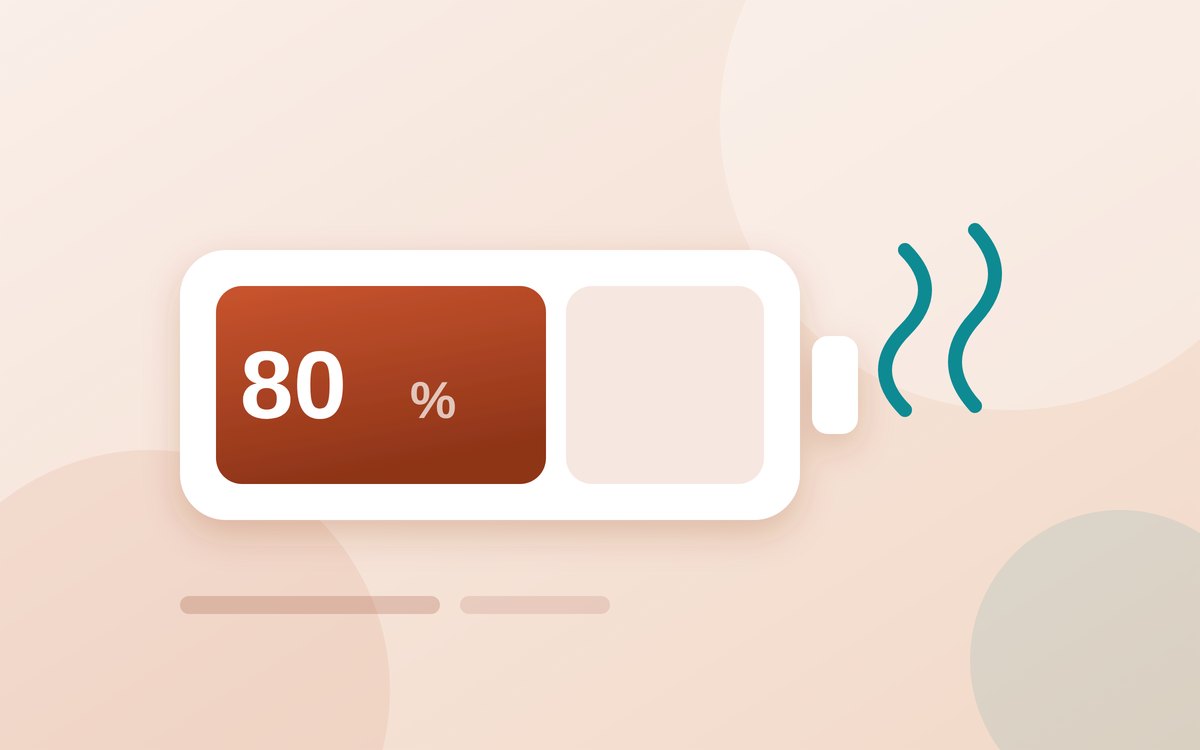
Can you bring a power bank on a plane in 2026?

The 100 Wh limit is the number everyone memorised, and it is no longer the one that decides whether you keep your bank at the gate. Since March there is a two-bank cabin cap, an in-flight charging ban, and a rule about where you stow them.

The rules, in short

  • Under 100 WhCarry-on, no approval
  • 100–160 WhAirline approval, max 2
  • Over 160 WhNot permitted
  • Checked bagsNever
  • Charging in flightProhibited

Guides

Explainers built from primary sources

Can you bring a power bank on a plane in 2026? The rules airlines don't explain well

Guide · 7 min read

Two banks, carry-on only, no charging in the air — and how to find the watt-hour figure on your own bank.

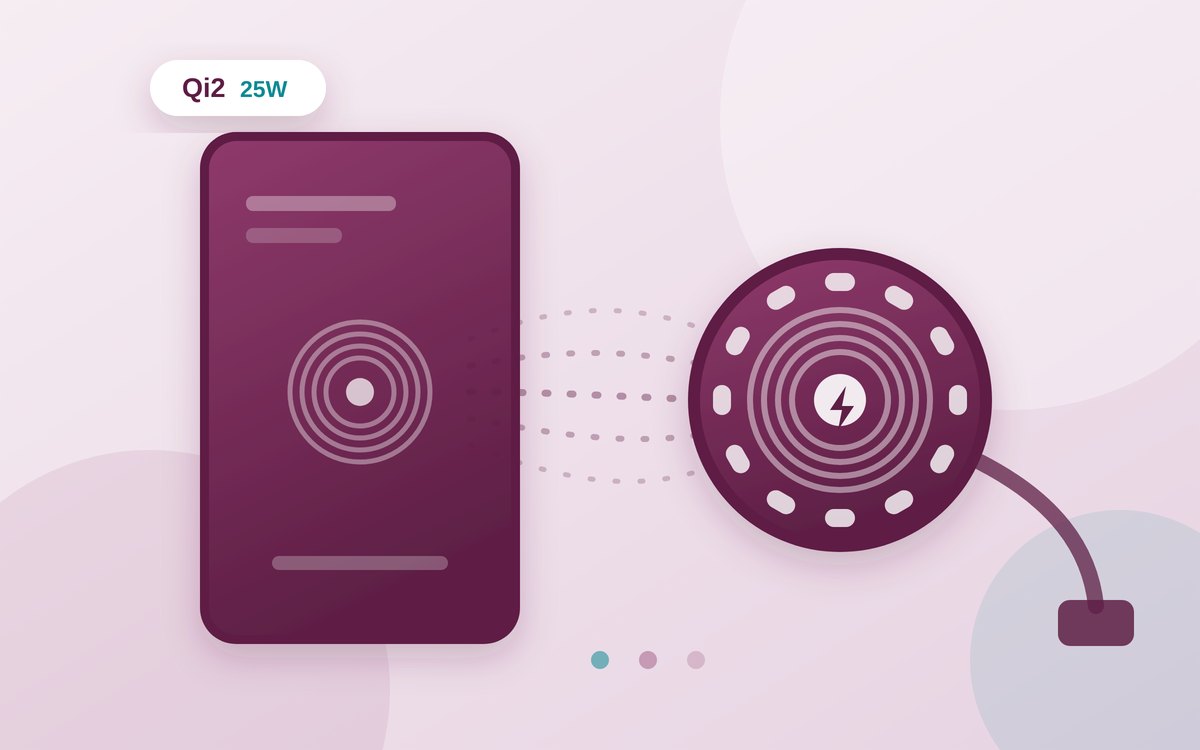
Every power bank rule online quotes the same TSA number — 100 watt-hours without airline approval, up to 160 Wh with it, nothing above — but almost none tell you where to find the Wh rating on your own bank, which is the part that trips people at the gate. If the label lists only mAh and voltage, the conversion is Wh = (mAh ÷ 1000) × V, which puts a common 20,000 mAh bank at about 74 Wh.

The provisions that took effect on 27 March 2026 added the parts most travellers have not heard: a cap of two power banks in the cabin, a prohibition on charging during flight, and a requirement to keep them within reach rather than in the overhead bin.

Read the full guide →

Right to repair by state: where you can actually fix your own electronics in 2026

Guide · 8 min read

Five state laws, five effective dates, and one exemption every single one of them shares.

There is no national law. New York, California, Minnesota and Colorado have consumer electronics repair laws in force; Oregon's does not take effect until July 2027. Each requires manufacturers to supply parts, tools and documentation on fair and reasonable terms — and each exempts game consoles.

Even in a covered state the practical experience lags the legislation. Parts priced close to a replacement device, components sold only as part of a larger assembly, and parts pairing that disables features after a genuine repair are all compliant, and all real obstacles.

Read the full guide →

Refurbished electronics: when the “like new” label is actually true

Guide · 7 min read

Grade A, B and C describe how a device looks. What you actually need is the battery figure.

“Refurbished” is not one standard — it ranges from a manufacturer's certified repair line to a device someone wiped and resold with a new case. The grading letters are the closest thing to a shared vocabulary, but no authority enforces them, and they almost never describe internal wear.

One number is worth more than the grade: battery health. A device in flawless cosmetic condition with a battery below 80% is one you will pay to repair inside a year, which usually erases the saving that made refurbished attractive in the first place.

Read the full guide →

SSD vs HDD in 2026: when the cheaper drive still makes sense

Guide · 7 min read

The system-drive argument is over. The archive argument is not.

SSD prices have dropped enough that recommending a spinning drive for a main system drive is rarely right — boot times, app loading and general responsiveness are night and day, and the gap at 500 GB to 1 TB is small. The reason it feels so different is random access, not sequential speed.

Where hard drives still earn their place is bulk cold storage. Years of photos, finished video projects and backup images cost far less per terabyte on a mechanical drive, and the speed penalty is irrelevant for files that sit still.

Read the full guide →
How to actually tell if you need to upgrade your phone

Guide · 7 min read

Two numbers decide it, and neither of them is the model year.

Battery health is the first. Below 80% capacity, a phone that otherwise runs fine will feel sluggish purely because iOS and Android throttle peak performance to stop an ageing cell causing sudden shutdowns. That is a battery replacement, not a new phone.

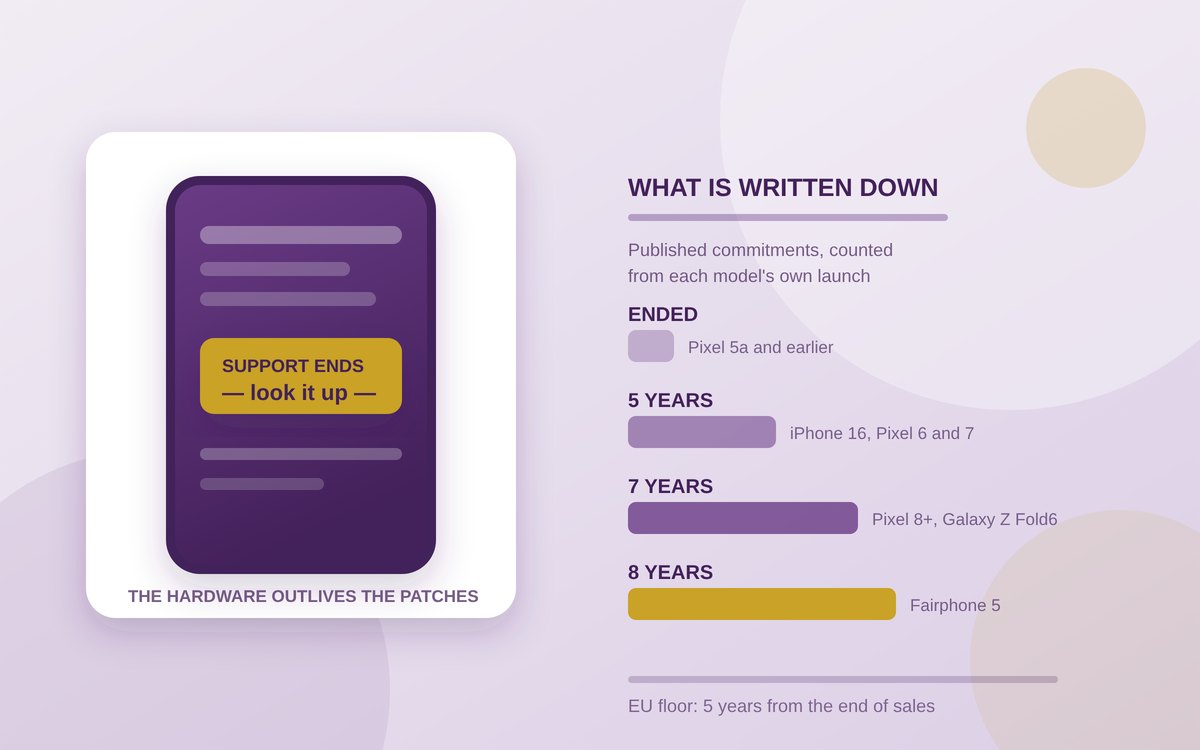
The second is the security update cutoff — not feature updates. A phone that stops receiving monthly patches keeps working perfectly while known vulnerabilities stay open. Support windows now run up to seven years on flagship Pixel and Galaxy models, and far less on older budget hardware.

Read the full guide →

Reviews & investigations

Hands-on work

Budget earbuds, flagship results: the full breakdown

Review · 7 min read

Most earbud reviews compare specs on a page. We wore each pair for a full week of actual use — commuting, calls, gym sessions, and one very windy hike — before writing a word. The pattern that emerged surprised us: above roughly $50, the physical seal you get matters more for sound quality than the driver inside it.

The pair that won does two things well that pricier competitors skip. First, it ships with five tip sizes instead of the usual three, which fixed a bass rolloff we couldn't otherwise explain. Second, its call microphone sits closer to the mouth opening than most stem-style designs, which is the actual reason phone calls sounded clearer, not some clever noise-cancelling algorithm.

Where it loses to the $250 pairs: multipoint Bluetooth switching is noticeably slower, and there's no companion app for EQ adjustment. If you jump between a laptop and a phone constantly, that lag will annoy you daily. If you mostly use one device at a time, it won't matter.

We opened up five “fast chargers” to see what's actually inside

Investigation · 6 min read

A 65W charger and a 20W charger can look identical, cost the same, and carry the same certification sticker. The only way to know the difference is to test the actual delivered wattage under load — which almost nobody selling these bricks does before listing them.

Using a USB power meter across a full charge cycle on the same phone, two of the five chargers we bought never exceeded 22W despite “65W” printed on the case. Both were from marketplace listings with thousands of positive reviews, which tells you those reviews are measuring “it charges my phone,” not “it charges my phone at the advertised speed.”

The two chargers that hit their rated output both used GaN (gallium nitride) components, visible once opened, versus the older silicon design in the underperforming units. Until charger listings are required to disclose the chipset, “GaN” in the title is the closest thing to a reliable signal you'll get without a meter.

What your smart home devices actually send home (we captured the traffic)

Investigation · 7 min read

Smart home devices arranged on a shelf

We set up six popular smart home devices — two speakers, a video doorbell, a thermostat, a robot vacuum, and a smart plug — behind a router configured to log every outbound connection, then left them running for a week of normal use.

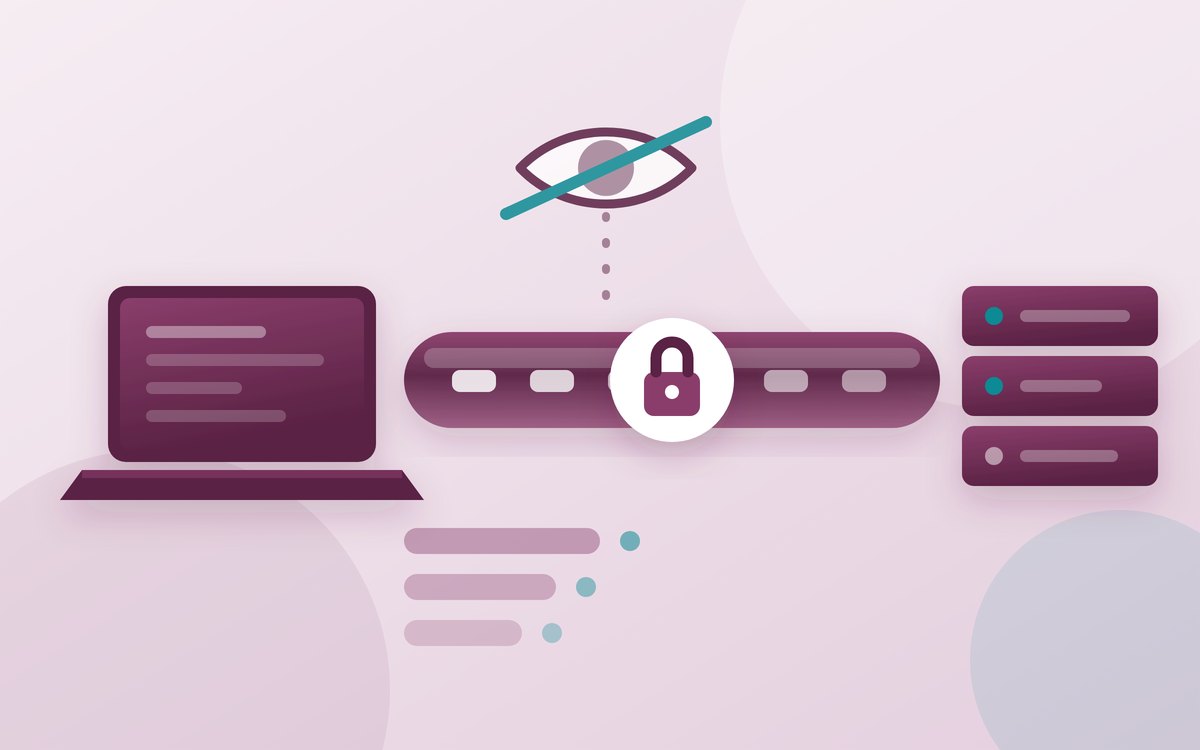
The volume of “phone home” traffic surprised even us: the robot vacuum, which has no obvious reason to stay online between cleaning cycles, made an outbound connection roughly every four minutes, day and night. Most of this turned out to be routine telemetry rather than anything alarming, but two devices contacted third-party analytics domains that were never mentioned by name in their privacy policies.

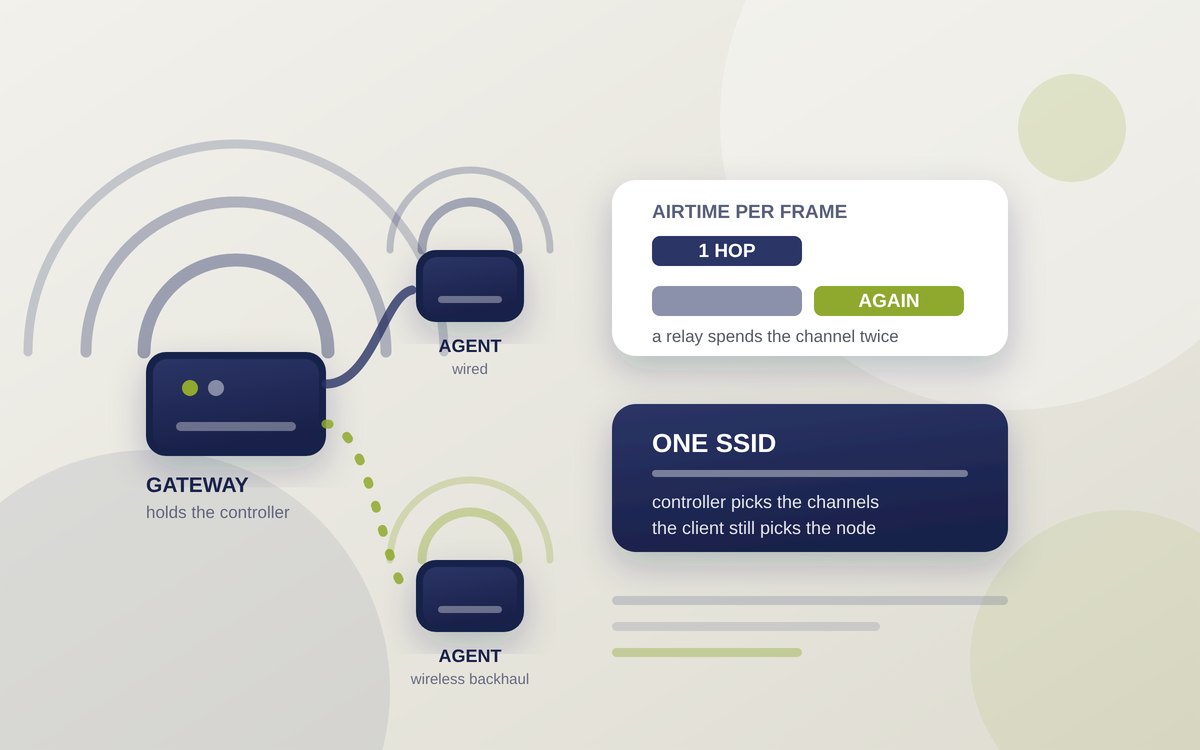
The fix that actually works, if this bothers you: most routers now support a guest network or VLAN specifically for IoT devices, isolating them from your phones and computers. It won't stop the traffic, but it limits what a compromised device could reach on your network — a more realistic goal than blocking manufacturer telemetry entirely, which often breaks firmware updates.

We tracked screen time on five “distraction-free” phone launchers for a month

Investigation · 6 min read

Minimalist launchers promise to cut your phone use by stripping colour, hiding icons, and burying apps behind menus. We installed five of the most popular ones on identical test phones and logged actual screen time against a control phone running its normal launcher, for four weeks straight.

The average reduction across all five was real but modest: about 18% less daily screen time. The launcher that worked best wasn't the starkest one — a greyscale-only launcher with no other friction barely moved the needle. The winner added a short delay before opening flagged apps, plus a one-line prompt asking what you're opening it for. Friction beat aesthetics.

The catch: two of the five testers said the delay screen became invisible within two weeks, tapping through it on autopilot. If you're prone to that, pairing a launcher with a hard app-limit timer — built into both iOS and Android natively — does more than any launcher alone.