Qi2 wireless charging: what the magnets actually changed
The magnets look like a convenience feature bolted onto a charging standard. They are not. Alignment was the biggest uncontrolled variable in wireless charging, and Qi2's contribution was to take that variable away from the person putting the phone down.
Wireless charging has had the same complaint filed against it for a decade. It is slower than a cable, it wastes electricity, it makes the phone warm, and every so often you pick it up in the morning to find it spent the night at 41 % because it slid half an inch off the pad.
Three of those four complaints share a root cause, and it is not the physics of induction. It is alignment. Two flat coils transfer power well when they sit concentrically and badly when they do not, and until 2023 the standard had no mechanism for making sure they did. Qi2 added one: a ring of magnets, written into the standard itself, that pulls the phone into position and holds it there. This guide covers what Qi2 actually mandates, what the magnets fix and what they don't, what the 2025 jump to Qi2 25W changed, and how the whole thing still compares with a cable.
On this page
The short answer
- Qi2's defining feature is the Magnetic Power Profile (MPP), which the Wireless Power Consortium says is "based on MagSafe® technology contributed by Apple to WPC". A phone carrying the Qi2 logo has magnets: the WPC has stated that plainly.
- Magnets are an efficiency feature, not just a convenience one. Coil misalignment is the largest single source of waste in inductive charging, and the magnets remove the user's ability to get it wrong.
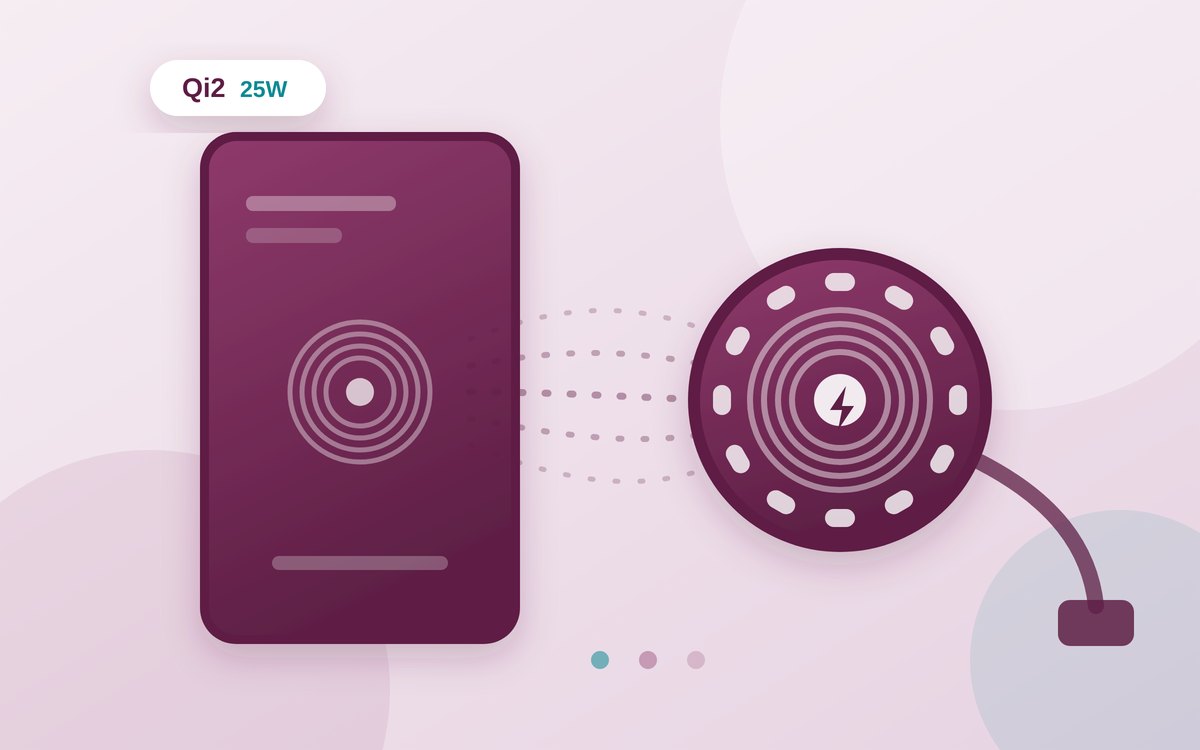
- Qi2 launched at 15 W. Qi2 25W — specification v2.2.1 — arrived in July 2025 with, in the WPC's words, "nearly 70 % more power than the original Qi2".
- You need a real power adapter behind it. Google asks for a 35 W or higher USB-C adapter to reach 25 W on the Pixelsnap charger; Apple asks for 30 W or greater for 25 W MagSafe charging.
- It still costs more electricity than a cable. In iFixit's bench measurements, a well-aligned MagSafe setup used about 24 % more energy than wired; a misaligned cheap pad used far more.
- Heat is the binding constraint, not the headline wattage. Both Apple and Google throttle or stop wireless charging when the phone gets too warm.
Qi, Qi2 and the three power profiles
"Qi" is not one thing. The Wireless Power Consortium's standard contains several power profiles, and which one a pair of devices negotiates determines almost everything about how the session behaves.
The Baseline Power Profile (BPP) is the original: up to 5 W, universally supported, the thing that charges an old phone slowly on a hotel nightstand pad. The Extended Power Profile (EPP) goes up to 15 W and is what most "fast" Qi pads before 2023 used, often alongside a manufacturer's own proprietary extension to push further. Neither requires magnets, which is why so many pads relied on a moulded lip, a rubber pad or a printed circle to hint at where the phone should sit.
Qi2 introduced the Magnetic Power Profile (MPP). It is the reason Qi2 exists, and it is mandatory: asked directly whether a Qi2 phone must have magnets, the WPC's answer was that "a phone carrying the Qi2 logo is using the Qi v2.0 specification and Magnetic Power Profile or MPP. So, yes, if it says Qi2 it must have magnets."
That mandate is the useful part of the Qi2 logo. Before it, "supports wireless charging" told you almost nothing about how well a given phone and pad would get along. Under MPP, the two snap together in a defined position, and the power negotiation starts from a known geometry rather than a hopeful one.
Why alignment is the whole story
Inductive charging runs alternating current through a coil in the pad, producing a changing magnetic field that induces a current in a second coil inside the phone. How well that handover goes depends on how much of the first coil's field passes through the second — what engineers call the coupling coefficient. Move the coils apart and coupling falls; slide them sideways and it falls faster. The energy that does not make it across turns into heat in the pad, in the phone's back plate, and in any metal caught in the field.
That is why the same 15 W pad charges well for one person and badly for another with identical hardware. iFixit's engineers listed coil misalignment first among wireless charging's sources of loss, and their measurements bear it out: an Amazon Basics 15 W pad drew 33.93 Wh to fill a 12.7 Wh battery when deliberately misaligned, against 23.33 Wh for a magnetically aligned MagSafe charger doing the same job.
A ring of magnets attacks that in the most direct way available: it makes the wrong position physically hard to achieve. You do not aim, and you cannot drift overnight. Everything else Qi2 delivers — the wallets, stands and car mounts that click on — is downstream of having one standardised magnet geometry to build against.
Keep reading
Watts: 15, 25, and what you need to reach them
Qi2 shipped in 2023 with a 15 W ceiling. In July 2025 the WPC announced Qi v2.2.1, branded Qi2 25W, which it described as delivering "nearly 70 % more power than the original Qi2". Fourteen devices completed certification in that first wave, with several hundred more queued behind them.
What that ceiling means in practice is set by three things in series, exactly as with a cable: the phone, the puck, and the mains adapter feeding the puck. The lowest ceiling wins — the same rule that governs USB-C wattage, and it catches people out the same way, because the adapter is the part nobody thinks about.
| Charger | Peak wireless power | Mains adapter the maker asks for |
|---|---|---|
| Apple MagSafe Charger (25 W) | Up to 25 W peak | 30 W or greater USB-C, rated 15 V / 2.0 A or higher |
| Apple MagSafe Charger, older iPhones | Up to 15 W | 20 W or greater USB-C, 9 V / 2.22 A or higher |
| Google Pixelsnap Charger at 25 W | Up to 25 W | 35 W or higher USB-C |
| Google Pixelsnap Charger at 15 W | Up to 15 W | 20 W or higher USB-C |
Those figures come from Apple's and Google's own support pages, checked in September 2026. Neither charger ships with the adapter it needs.
Notice the headroom in those adapter requirements: 35 W of wired input to deliver 25 W wirelessly, 30 W in Apple's case. That gap is the conversion chain — mains to DC in the adapter, DC to high-frequency AC in the transmitter coil, across the air gap, back to DC in the phone, then into the battery's own charging circuit. Every stage takes its cut.
The per-phone picture is messier still. Apple lists iPhone 17 Pro, 17 Pro Max, 17 and 16 Pro Max at up to 25 W, iPhone 16 and 16 Pro at 22.5 W, iPhone Air at 20 W, and iPhone 17e, 15 and earlier at up to 15 W. Google splits its own range the same way: 25 W for the Pixel 10 Pro XL and the Pixel 11 family, 15 W for the Pixel 10, 10 Pro and 10 Pro Fold. The 25 W puck buys you up to 25 W, if your phone is on the right side of that list.
Advertisement
The energy cost, measured by someone else
Circuitry does not run a test bench, so the numbers here are other people's. The most thorough public set is iFixit's, measured by Shahram Mokhtari, Chayton Ritter and Arthur Shi with watt meters at the wall and between charger and phone, temperature probes on the battery, and readings every five minutes.
Two things stand out. First, wired charging is not free either: 18.25 Wh at the wall to put 12.7 Wh into the cell is a loss of about 36 % before wireless enters the conversation. Second, the penalty for going wireless with good alignment is far smaller than folklore suggests — around a quarter more energy — while the penalty for bad alignment is enormous.
In household terms, iFixit put the aligned MagSafe setup at roughly 5.8 kWh a year wasted above wired, and the misaligned pad at about 14.5 kWh. Neither is dramatic on a bill; the gap between them is, once again, the case for magnets.
One smaller number deserves attention: idle draw. iFixit measured the MagSafe puck pulling about 0.2 W sitting empty, constantly probing for a device, against 1.4 W for a Tesla wireless platform. A pad left plugged in all year at 1.4 W is around 12 kWh on its own, with no phone on it.
Heat, and why it is the real limit
The wattage on the box is a ceiling that the phone reaches briefly and then leaves. What brings it down is temperature, and both major manufacturers say so in their own documentation.
Apple notes that an iPhone or its MagSafe charger "may get slightly warmer while your iPhone charges", and that software "may limit charging above 80 per cent if the battery gets too warm". iFixit's probes recorded battery temperatures of 40–45 °C during wireless charging against about 30 °C wired — a gap that matters, because heat is the single largest controllable factor in how fast a lithium-ion cell loses capacity. That is the same argument made at length in our guide to charging habits that actually matter, and Qi2 does not repeal it. Better alignment means less waste heat than a badly placed pad, not less heat than a cable.
Practical consequences follow. A thick case, a metal plate for a car mount, direct sunlight, or a phone face-down overnight on a soft surface that insulates the back panel all push the system towards its thermal limit sooner. Apple also warns against a category of object rather than a temperature: keep "credit cards, security badges, passports or key fobs" out from between phone and charger, because the field will damage magnetic strips and RFID chips.
"Qi2 Ready", MagSafe and the label problem
Three labels circulate, and they do not mean the same thing.
Qi2 on a phone or charger means WPC certification against the Qi v2.0 specification with the Magnetic Power Profile — magnets included, tested in an authorised lab. The WPC is explicit that products "undergo rigorous testing for safety and interoperability in one of our independent authorized testing laboratories before being granted permission to use the Qi or Qi2 logo".
Qi2 Ready is a later category for phones with no magnets of their own that are designed to work at Qi2 speeds when fitted with a magnetic case. It is a fair compromise for a maker that does not want a magnet array's weight in the chassis — but it puts the component that guarantees alignment in an accessory you buy separately and can forget to put back on.
MagSafe is Apple's brand for its own magnetic implementation, which predates Qi2 and which Apple contributed to the WPC as the basis of MPP. MagSafe and Qi2 accessories share a magnet geometry — that is the point — but not a guarantee of peak wattage: a Qi2 charger will attach to an iPhone and charge it, at whatever speed both ends negotiate.
The practical checks when buying:
- Look for the Qi2 or Qi2 25W logo, not the word "magnetic". Plenty of pads have magnets in roughly the right place and no certification behind them; on a marketplace, the usual caution applies, and our guide to spotting a fake charger covers what markings do and don't prove.
- Check the phone, not just the puck. Google warns that using Pixelsnap with earlier Pixels built to Qi 1.x can produce "inconsistent or no charging".
- Budget for the adapter. A 25 W puck with a spare 12 W plug behind it is a 12 W puck.
- Check the case. A case without magnets sitting between a Qi2 phone and a Qi2 charger reintroduces exactly the alignment problem the standard was built to remove, and adds thickness on top.
When it is worth it
Wireless charging is a convenience technology with a measurable energy cost, and Qi2's achievement is to have cut that cost substantially for ordinary users by making misalignment difficult. That is a better argument than the marketing one about cables being annoying.
Where it earns its keep: a desk or bedside spot where the phone goes down dozens of times a day, a car mount that holds and charges in one motion, and anywhere the alternative is wearing out a USB-C port. Where it does not: filling a flat battery in a hurry, charging in a hot car or a sunny window, or any setup where the goal is minimising electricity rather than friction.
The cable remains the efficient option and always will, because it skips two conversions and an air gap. Qi2 did not change that. What it changed is that wireless charging now performs close to its own best case by default, instead of only when you happened to put the phone down in the right place.
Sources
- Wireless Power Consortium — WPC ushers in next generation of faster wireless charging (Qi2 25W, July 2025)
- Wireless Power Consortium — Qi wireless charging standard and certification
- Wireless Power Consortium — Qi v2.0 standard announcement, including the Magnetic Power Profile (November 2023)
- Android Police — WPC clarifies that Qi2 requires magnets
- Apple Support — How to use your MagSafe Charger with iPhone
- Google Pixel Phone Help — Learn about Pixelsnap accessories
- iFixit — Wireless charging: trading efficiency for convenience (bench measurements)
- Directive (EU) 2022/2380 — the common charger directive, including its recitals on wireless charging and fragmentation