What a VPN actually protects, and what it doesn't
The advertising promises invisibility. The technology delivers something much narrower and quite useful: it hides which sites you are asking for from the network you are sitting on, and shows them to the company you are paying instead.
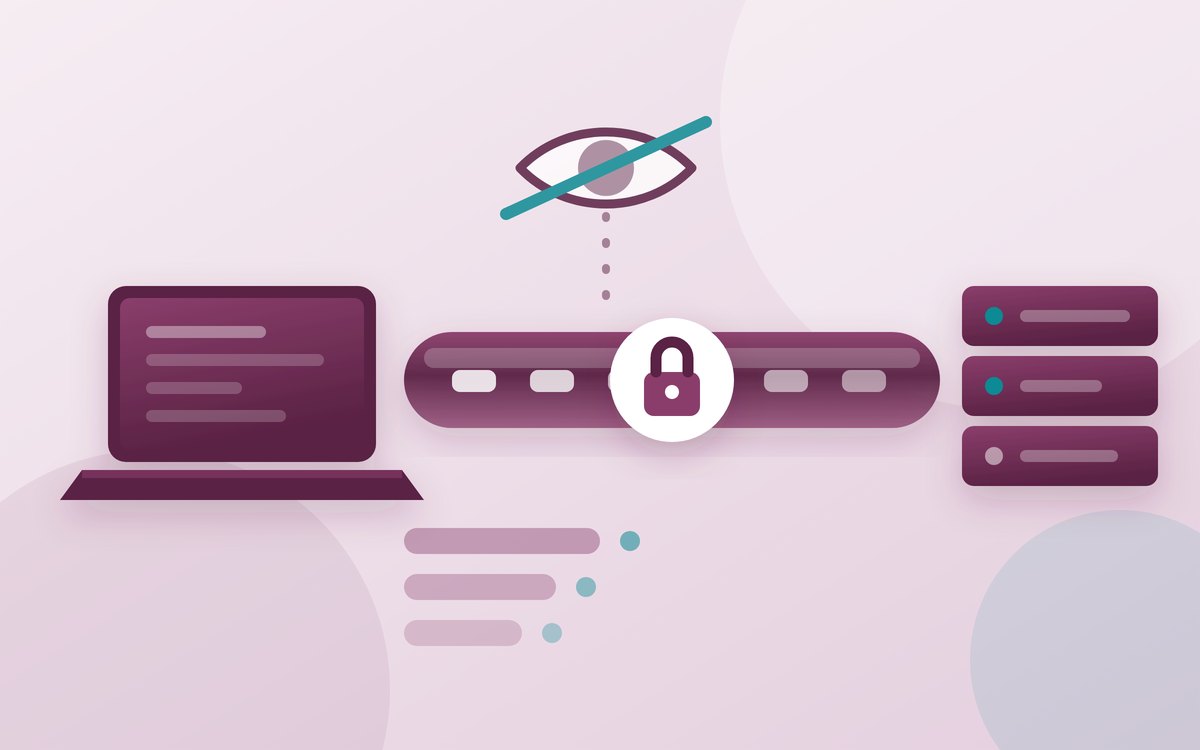
Almost every claim made for consumer VPNs is a claim about who can see what. That makes the category unusually easy to assess, because the question has a definite answer: for any given observer — the café's router, your broadband provider, the website itself, an advertising network — either a VPN changes what they see or it does not.
Work through the list and a shape emerges. A VPN does one job well, does a second that mattered far more ten years ago than it does now, and does nothing at all about most of the reasons people install it.
On this page
The short answer
- A VPN hides your traffic from the network you are on — the hotel, the airport, the office, your broadband provider — and hides your home address from the sites you visit.
- It does not encrypt anything that was not already encrypted. Google's own measurements put HTTPS at roughly 95 to 99 % of Chrome page loads, depending on platform, and Chrome is moving to HTTPS by default outright.
- The genuine gaps it closes are DNS lookups and the server name in the TLS handshake — the two places where the name of the site you want still travels in the clear on many connections.
- It cannot make you anonymous. Consumer Reports put it bluntly in its 2021 review of the industry: "masking an IP address is not the same as granting anonymity".
- Your VPN provider becomes your new internet provider for the purposes of this question, with the same view your old one had. That is the whole trade.
- Free is the wrong price. The US Federal Trade Commission's guidance on VPN apps notes that many are free "because they sell advertising within the app, or because they share your information with third parties".
What a VPN is, mechanically
Strip away the marketing and a consumer VPN is a single, boring idea. Your device builds an encrypted connection to a server the provider runs, and then sends all of its internet traffic inside that connection. The provider's server unwraps each request and makes it on your behalf, using its own address, then wraps up the reply and sends it back.
Two consequences follow, and they are the only two that matter.
First, anyone watching the network between you and that server sees a single stream of encrypted data going to one address. They no longer see a sequence of separate connections to separate places. Second, every website you visit sees the provider's address rather than yours, and therefore guesses your location from the exit server's location rather than your own.
What HTTPS already protects
The most common reason people give for installing a VPN is public Wi-Fi: the fear that someone at the next table can read what you type. That fear was well founded in about 2012. It has aged badly, because the web encrypted itself in the meantime.
When Google published its plan to make secure connections the default in Chrome, it summarised the trajectory of its own HTTPS transparency data: page loads over HTTPS climbed from "around 30-45 % in 2015" to "the 95-99 % range around 2020", and noted that the residual gap is mostly private addresses rather than public sites: measuring public sites alone moves Linux from 84 % to nearly 97 %. Google has said it will turn on "Always Use Secure Connections" for over a billion users in Chrome 147 in April 2026, and make it the default for everyone in Chrome 154 that October.
Concretely: on a modern connection the café's router cannot read your messages, your passwords or the contents of any page, with or without a VPN. The encryption is negotiated between your browser and the site, and the network operator sits outside it.
The two real leaks a VPN closes
The right-hand column is where the argument for a VPN lives, and two entries in it are serious.
The first is DNS. Before your browser can connect to a site it has to turn the name into an address, and that lookup has historically travelled unencrypted to whichever resolver your network handed you — usually your provider's. Encrypted DNS fixes this where it is enabled, and browsers now ship it, but Mozilla's own documentation is careful to note that encrypted DNS is not the end of the story, because the name can leak elsewhere.
That elsewhere is the second leak: the Server Name Indication field in the TLS handshake. The IETF's specification for Encrypted Client Hello, the mechanism designed to close it, describes the problem in plain terms — the plaintext SNI extension, "which leaks the target domain for a given connection, is perhaps the most sensitive information left unencrypted in TLS 1.3". Encrypted Client Hello protects the server name and other fields such as the list of protocols offered, but it is not universally deployed, and the same document is candid about what survives even where it is: "the target domain may also be visible through other channels, such as plaintext client DNS queries or visible server IP addresses".
A VPN closes both leaks at once for everyone upstream of it, which is genuinely valuable if the party you are worried about is the network operator. In the United Kingdom, for example, the Investigatory Powers Act 2016 allows the Secretary of State to require operators to retain communications data — defined by the government as "the 'who', 'where', 'when', 'how' and 'with whom' of a communication but not the content" — including internet connection records, "a record of an event held by a Telecommunications Operator about the service to which a device has connected to on the internet". The Act caps such a notice at 12 months of retention. If your objection is to that record existing at your provider, a VPN does move the record somewhere else.
Keep reading
Advertisement
What a VPN never hides
Here the gap between the product and the advertising is widest. A VPN operates on the network layer, and has no opinion about anything above or below it.
It does not hide you from services you sign into: if you are logged in, the account is you, whatever address the request arrives from. It does not remove cookies, advertising identifiers or the browser fingerprint assembled from your fonts, screen size and graphics stack, so it does not stop a site linking today's session to yesterday's. And it blocks neither trackers, nor malware, nor a convincing phishing page.
Consumer Reports, reviewing 16 providers drawn from an initial list of 51 in December 2021, catalogued the claims this leads to. CyberGhost offered to let users "turn yourself digitally invisible"; NordVPN said "your data will never be compromised"; Kaspersky assured customers that "hackers can never intercept and steal your data"; Hotspot Shield promised activity conducted "anonymously". The report's verdict was that "a number of VPNs do not refrain from making sweeping claims, or using potentially misleading or overly broad language". Only three of the sixteen — IVPN, Mozilla VPN and Mullvad — were credited with describing their own limits honestly.
The FTC reached a similar place from the regulator's side, warning that "the fact that an app promises security or privacy doesn't necessarily make it trustworthy", that some VPN apps "use protocols that don't encrypt your traffic" at all, and that "a VPN app generally isn't going to make you entirely anonymous".
Trust moves; it does not disappear
This part is structural rather than a matter of any one company's conduct. Your traffic has to be decrypted by somebody to reach the internet. Without a VPN, the party who sees which sites you ask for is your access provider; with one, it is your VPN provider. The question is never whether someone holds that view, but who, and under which country's law.
Which is why a provider's logging policy is the specification that matters, and why it is only as good as its ability to survive contact with a court. There is at least one well-documented test. On 18 April 2023 officers from Sweden's National Operations Department arrived at Mullvad's office with a search warrant, intending, in the company's account, to seize computers with customer data. Mullvad's published statement says it explained that "such customer data did not exist", demonstrated how the service works, and the officers left without taking anything.
That is the standard to judge claims against: not a promise on a landing page, but an architecture in which there is nothing to hand over. Consumer Reports found several providers advertising no-logging while still storing identifying material on the device — in one case a username alongside "all IP logs (with time stamps)" — and asked the question worth keeping: "if VPNs are not transmitting (using) that information, why was it collected on the local device at all?"
Threat by threat
The honest summary of the category fits in a table.
| What you are worried about | Does a VPN help? | Why |
|---|---|---|
| Someone on the café Wi-Fi reading your messages | Barely — already handled | HTTPS encrypts the content end to end; a VPN adds nothing to it |
| The café or hotel logging which sites you visit | Yes | It sees one encrypted stream to the VPN server instead |
| Your broadband or mobile provider building a browsing record | Yes | Same reason; the record moves to the VPN provider |
| A website knowing your rough location | Yes | It sees the exit server's address, not yours |
| Advertising networks profiling you | No | Cookies, identifiers and fingerprints are unaffected |
| Being identified by services you use | No | You are signed in; the account is the identity |
| Malware, phishing and scam pages | No | Nothing about the tunnel inspects what travels through it |
| Watching a streaming catalogue from another country | Often not | Providers detect and refuse it — Netflix returns error E106, "You seem to be using a VPN or proxy" |
| A government that can compel your VPN provider | Depends entirely | On what is retained, and under which jurisdiction |
A different design: splitting the knowledge
It is worth knowing that the single-hop VPN is not the only shape this can take, because the alternative makes the trade-off visible. Apple's iCloud Private Relay routes browsing through two relays operated by different parties. Apple's documentation describes the division: your address "is visible to your network provider and to the first relay, which is operated by Apple", while "your DNS records are encrypted, so neither party can see the address of the website you're trying to visit"; the second relay, run by a separate content provider, "generates a temporary IP address, decrypts the name of the website you requested, and connects you to the site". The stated goal is that "no single party — not even Apple — can see both who you are and what sites you're visiting".
It is not a replacement for a VPN, and it carries the usual cost of hiding an address: Apple notes that "without access to your IP address, some websites may require extra steps to sign in or access content". The point is the principle. A single-hop VPN asks you to trust one company completely; a split-knowledge design asks only that two companies are not co-operating.
If you do want one
There are sound reasons to run one. Not wanting a hotel chain, an airport operator or an employer's guest network to accumulate a list of the sites you use is a reasonable preference, and so is reaching your home or work network from elsewhere — the job the technology was built for. If the goal is to avoid an untrusted network altogether, mobile data is often the better tool, and a local data eSIM takes minutes to add. If the worry is your own household network, the fixes are at the router, not in a tunnel.
Where a VPN is the right answer, five checks do most of the work.
- Read the logging policy for what is retained, not what is promised. Connection timestamps and source addresses are the entries that matter; "no logs" as a slogan is not an answer.
- Prefer providers that publish independent audits and warrant history, and treat a documented refusal — because there was nothing to give — as worth more than any marketing claim.
- Check the jurisdiction of the company and of the exit servers you will use, since that is what determines who can compel the record.
- Pay for it. The FTC's warning about free apps funded by advertising or data sharing is the clearest signal in the category.
- Insist on encrypted DNS inside the tunnel and a kill switch that drops traffic if the tunnel fails, because a VPN that fails open quietly undoes the one thing it was doing.
Then hold the expectation at the right level. A VPN is a plumbing change with one clear effect: it decides which company sees the list of places you go. That is worth having if you have a view about which company that should be. It is not invisibility, it is not security software, and no amount of "military-grade" in the advertising will make it either.
Sources
- Google Security Blog — HTTPS by default (Chrome 147 and Chrome 154, HTTPS adoption figures)
- IETF — TLS Encrypted Client Hello (SNI leakage and what remains visible)
- Mozilla — DNS over HTTPS FAQs
- Consumer Reports — VPN white paper, December 2021
- US Federal Trade Commission — In the market for a VPN app?
- Mullvad VPN — Mullvad VPN was subject to a search warrant (April 2023)
- Investigatory Powers Act 2016, section 87 — retention notices and the 12-month limit
- GOV.UK — Communications data and internet connection records factsheet
- Apple Support — About iCloud Private Relay
- Netflix Help Centre — error E106, VPN and proxy detection