eSIM, explained: what actually happens when you switch phones or cross a border
A physical SIM is a thing you own and can move with your fingers. An eSIM is a file your carrier issues, and that single difference reshapes every step of buying a phone, replacing a broken one, and landing in another country.
The switch happened quietly. Apple removed the SIM tray from US iPhones with the iPhone 14 in 2022, and since then eSIM has gone from a curiosity to the default on flagship hardware. Most people met it the way you meet any infrastructure change: at the worst possible moment, standing in an airport, wondering why the number that worked yesterday does not work now.
Almost every eSIM problem comes from the same misunderstanding. People assume an eSIM is a SIM card that happens to be built in. It is not. It is a downloaded credential, and credentials behave differently from objects.
On this page
The short answer
- An eSIM is a profile, not a card. The chip is soldered in permanently; what changes is the carrier profile written to it.
- Profiles are issued once and live in one place. Moving one to a new phone deletes it from the old one. There is no copy.
- Your carrier decides what is possible, not your phone. Quick-transfer features work only where the carrier has implemented them.
- Cross-platform transfer exists but is narrow. Apple lists eight carriers worldwide for iPhone-to-Android transfer.
- A travel eSIM does not switch off your home line. If you leave both active, your home line can still run up roaming charges.
What an eSIM actually is
The hardware is called an eUICC — an embedded universal integrated circuit card. It is a small secure element soldered to the board, functionally the same kind of tamper-resistant chip that lives inside a plastic SIM. What makes it "e" is not that it is embedded, but that it is reprogrammable: it can hold several carrier profiles at once and switch between them without anyone opening the phone.
A profile is the part that matters. It holds your IMSI, your authentication keys, and the carrier settings that tell the phone which network to attach to. On a plastic SIM, all of that was burned in at a factory and handed to you in an envelope. On an eSIM it is delivered over the internet, from a carrier server, to your specific chip — identified by a number called the EID, which is unique to your device and which your carrier will sometimes ask you to read out.
The one number to know
Your EID identifies the chip, not the plan. On an iPhone it lives in Settings › General › About; on Android, in Settings › About phone. If a carrier's activation fails and support asks for "the EID", this is what they mean.
How a profile gets onto your phone
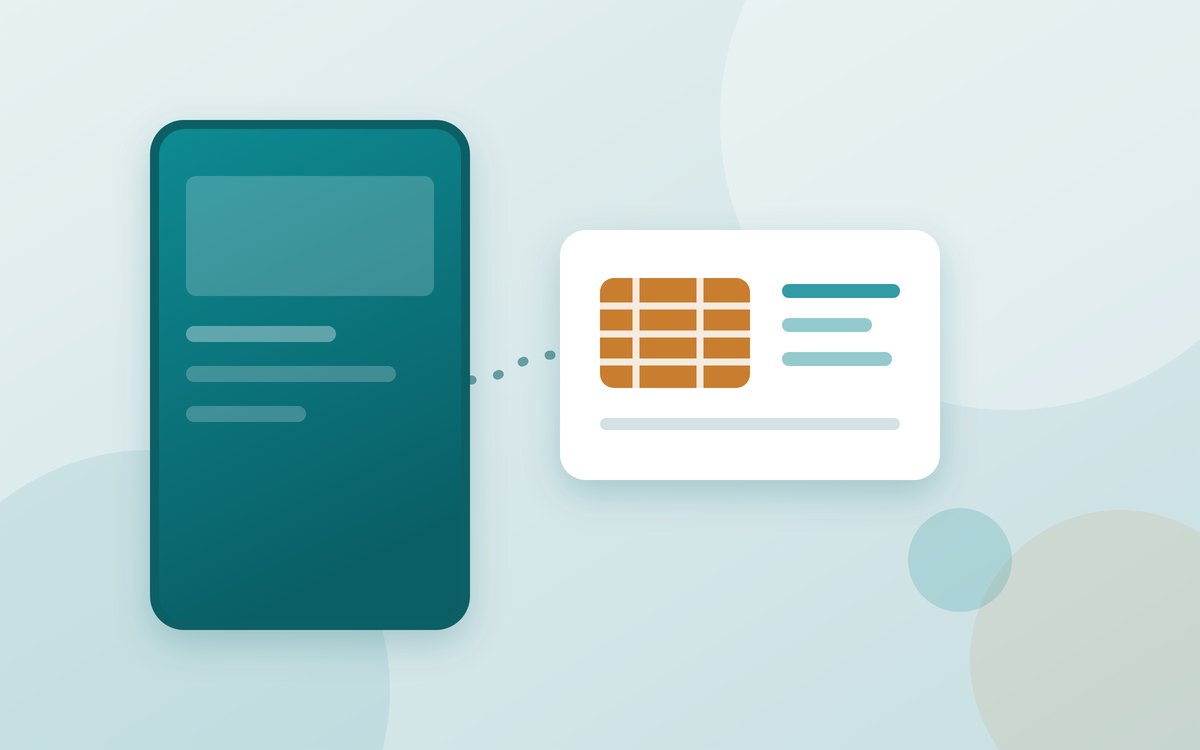
The consumer version of this process is standardised by the GSMA, and every carrier follows the same shape even when the app in front of you looks different. Your phone runs a small client called the LPA (local profile assistant). The carrier runs a server called an SM-DP+. The QR code you scan is not the profile — it is an address plus a one-time activation token that points the LPA at the right server and the right waiting profile.
Two practical consequences fall out of that diagram. First, a saved screenshot of an activation QR code is not a backup — once redeemed, it is spent. Second, an activation can fail for reasons that have nothing to do with your phone: a carrier's server, a mismatched EID, or a profile that was already downloaded to a device you no longer have.
Switching phones: three routes, one of which fails
When you move to a new handset, the profile has to be reissued or handed over. There are three ways that happens, and they are not equally reliable.
| Route | How it goes | Fails when |
|---|---|---|
| Quick transfer, phone to phone | The new phone offers to pull the line across during setup, over Bluetooth and Wi-Fi. Minutes, no support call. | Your carrier has not implemented it, or the two phones run different operating systems without support for it. |
| Carrier app or account page | You sign in on the new device and re-provision the line to it. | Sign-in needs an SMS code that goes to the line you are moving — the classic deadlock. |
| New QR code from support | The carrier issues a fresh activation code by email or in store. | Rarely fails, but it is the slow path: out of hours it can mean a night with no service. |
The deadlock worth avoiding
Do not wipe or trade in the old phone until the new one has a working line. If your carrier's login sends a one-time code by SMS, the old handset is the only place that code can arrive.
Keep reading
Advertisement
iPhone to Android, and back
Moving an eSIM between platforms is now genuinely supported rather than theoretically supported — but the support is narrow, and reading the fine print before you buy saves an afternoon.
Apple's documentation for transferring an eSIM from an iPhone or iPad to an Android device requires iOS 26.3 or iPadOS 26.3 on one side and a compatible version of Android 17 on the other. Both devices need Wi-Fi and Bluetooth. The flow is a QR code shown by the Android device and scanned with the iPhone camera, with a manual fallback of a session ID and pairing code if the scan will not take.
The limiting factor is the carrier list. At the time of writing Apple names AT&T, FirstNet, T-Mobile and Verizon in the United States; KDDI in Japan; DT-DE in Germany; SFR in France; and EE in the United Kingdom. If your carrier is not on that list, the transfer route is the ordinary one: ask them to reissue the profile.
And the part people miss: this is a move, not a copy. Once the transfer completes, the number no longer works on the iPhone. That is correct behaviour — one profile, one active device — but it surprises anyone expecting the old phone to keep working as a spare.
Travel: two lines, one bill you did not expect
The travel case is where eSIM earns its reputation, because you can buy and install a local or regional plan before you have left home, then land with data already working. Supported iPhones can hold eight or more profiles and keep two active simultaneously, which is what makes the arrangement work: home number for calls and messages, travel eSIM for data.
iOS 26 automates some of this. Arrive abroad with a travel eSIM already installed and the phone can prompt you to switch it on, then disable it again and restore your primary line when you return.
So the routine before you fly is short: install the travel profile at home while you still have reliable Wi-Fi, set it as the data line, and turn data roaming off for your home line while leaving the line itself enabled. That keeps calls and bank verification codes arriving on your own number without letting background app traffic wander onto a metered network.
What you give up
eSIM is better than plastic in most ways that matter, and the security argument is real: a thief cannot pull the SIM out of a stolen phone to dodge a remote wipe or receive your verification codes. But three things genuinely get worse, and they are worth knowing before your phone dies rather than after.
- No thirty-second recovery. When a phone with a plastic SIM stops booting, you move the card to any spare handset and you have a phone again. With eSIM, you need account access, a support channel, or the quick-transfer flow — all of which need a working device or a second one.
- Borrowed and rented phones are harder. There is no card to hand over, so lending someone your line for a day is a re-provisioning exercise, not a gesture.
- You are more dependent on carrier competence. Every failure mode now routes through their systems and their support hours.
None of that is an argument against eSIM. It is an argument for keeping your carrier account login recoverable by something other than an SMS to the phone in your hand — an authenticator app, a recovery email, or a written account PIN.
Before you buy or switch
- Check the carrier, not the phone. Every recent flagship supports eSIM. Whether transfer is painless depends entirely on the network.
- Keep the old phone alive until the new line works. No wipe, no trade-in, no factory reset.
- Set a second recovery method on your carrier account today, while your line works.
- Buy travel eSIMs before departure and install them on home Wi-Fi. The install needs internet; that is the chicken and egg at the airport.
- Turn off data roaming for the home line, not the phone. The global switch kills the travel plan too.
- Note your EID somewhere offline. It takes ten seconds now and saves a support call later.
The mental shift is small but it explains everything else: you no longer own a piece of your phone service. You hold a licence to it, granted to one chip at a time, and revocable by the entity that issued it. Once that lands, the rules stop feeling arbitrary.